Field application for real-time operations
Field tasks,evidence and locationin real time.
Mercury brings each operator’s working day into one place: which tasks they have, where they are, what evidence to capture, and the status of every one.
An internal work tool. Access is issued by your organization.
- Supported task types
- 8
- Native app
- iOS & Android
- One account per organization
- Multi-tenant
Mobile app
The whole working day on one screen
Mercury replaces the phone call, the stray message and the paper sheet with a flow that dispatch watches advance live.
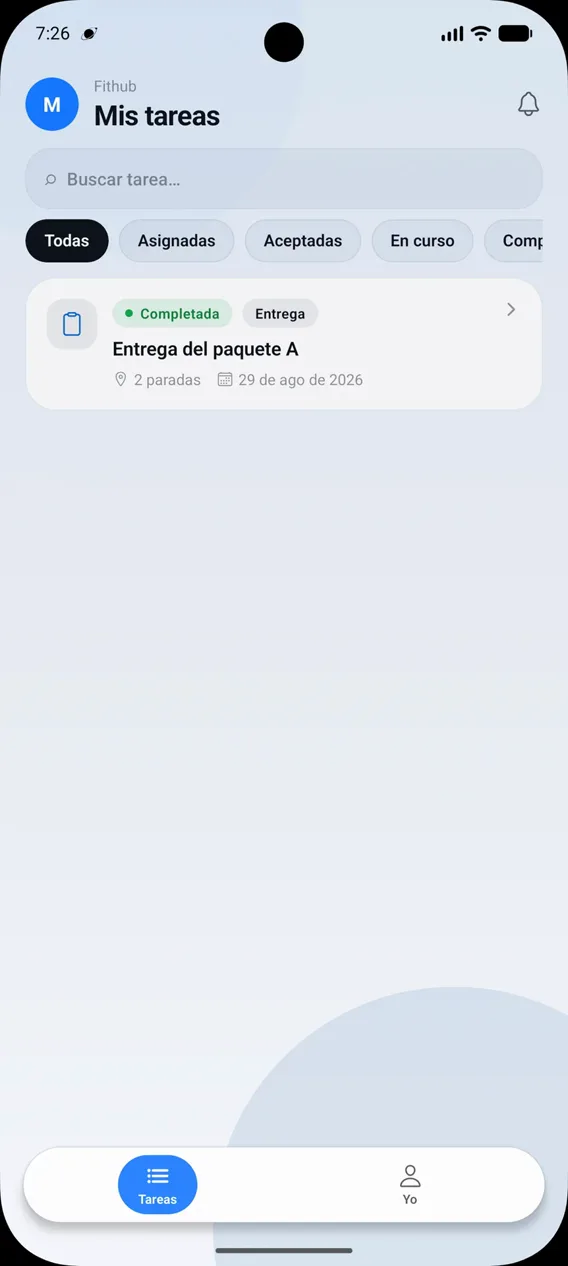
Assigned tasks
Every operator sees the day’s work with its priority, scheduled time and due date.
Stops with time windows
Each task is worked stop by stop, with its earliest and latest arrival time.
Mandatory evidence
Photos, signatures, notes and barcodes, according to what each task requires. Without the required evidence, the task cannot be closed.
Real-time status
Operators update tasks and stops as they go; dispatch sees it instantly.
Per-task comments
A thread inside each task to coordinate with the dispatch team without leaving the app.
Automatic alerts
A notification on the phone when new work is assigned or something in flight changes.
Operations center
Everything happening in the field, visible from a panel
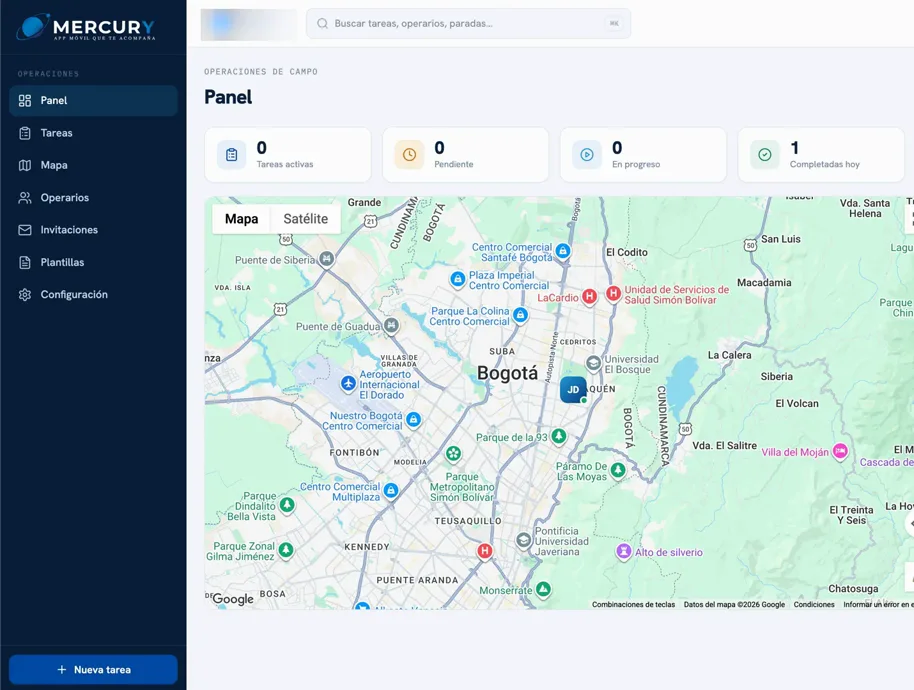
The dispatch team creates and assigns tasks, sees each operator’s live location and reviews the full history of an operation without leaving the browser.
Tasks and flows
Create tasks with one or several stops, assign them and define the evidence they will require.
Live map
Current location of every available operator, overlaid with their tasks’ stops.
Route history
An operator’s full route over a date range, to audit an operation after it happened.
Teams and roles
Operator management, invitations and reusable templates for the most common task types.
Flow
How it works
Four steps, from the dispatcher’s board to the operator’s phone and back.
- 01
Dispatch assigns
A task is created with its stops, its priority and the evidence it will require. On assignment, the operator is notified.
- 02
The operator works it
They accept the task and move stop by stop. Each stop has its own status: pending, arrived, completed, failed or skipped.
- 03
Evidence is captured
Photo, signature, note or barcode, according to what the task asks for. It is a requirement to close it, not an optional step.
- 04
Dispatch confirms
It sees progress and the operator’s location live, and can confirm that each stop was serviced at the correct place.
Background location
We say it plainly
Mercury collects location data even when the app is closed or not in use, together with travel speed and the phone’s battery level.
It is essential to how the product works: without location, dispatchers cannot assign work by proximity, monitor the progress of a route, or confirm that a stop was serviced at the correct place.
If your operation processes employee geolocation data in Colombia, Law 1581 of 2012 imposes specific obligations that a generic policy does not cover. The detail is in the privacy policy.
- Operators switch tracking on and off from their profile, at any time.
- While it is active, the phone shows a persistent notification.
- With tracking off, no location is recorded, and the app keeps working.
- The map service does not receive the operator’s location: the app never hands it over.
An internal tool, not a consumer app
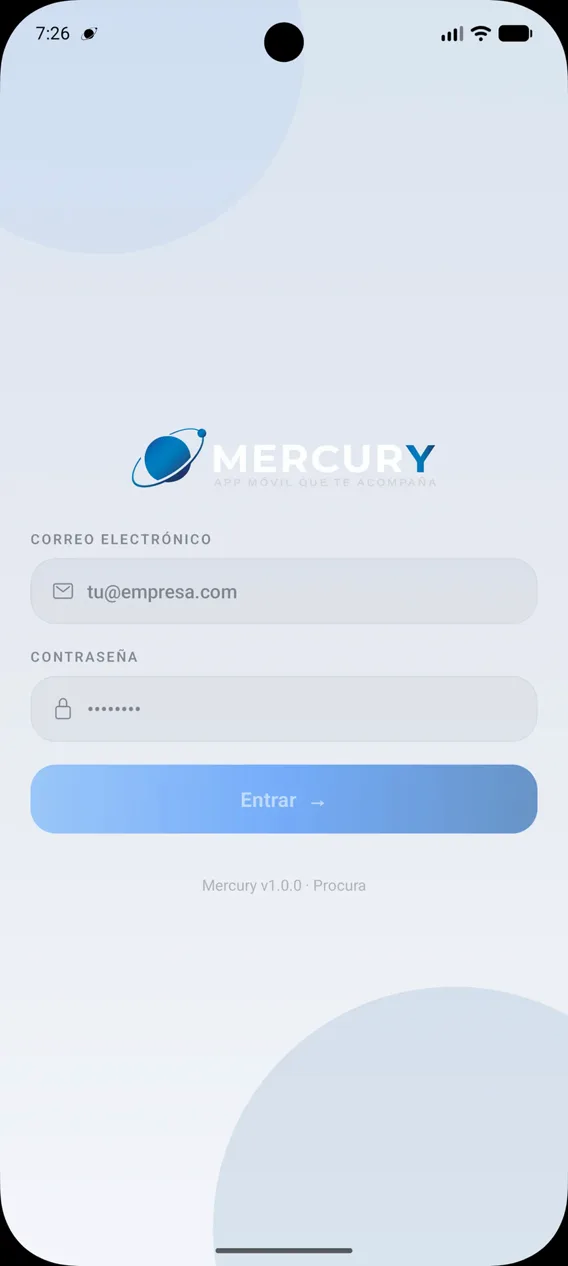
Mercury does not allow creating an account from the app. Credentials are issued by the organization to each worker, and every user belongs to an organization with its own time zone and its own dispatch team.
Names, emails and permissions are administered on the company side. The operator neither types them nor can change them from the phone.
- Platforms
- iOS and Android
- Access
- By invitation
- Package
- com.chlgroup.mercury
Download Mercury
Install the app on the operator’s phone. Signing in requires the credentials issued by their organization.
Don’t have credentials yet? Get in touch.
Contact
Is your field operation still running on WhatsApp and paper?
We will show you Mercury working against a real case from your operation: tasks, stops, evidence and tracking.
Barranquilla, Colombia